Smart Lighting Installation in Jersey City
- No-neutral wiring is my specialty
- Works when internet doesn’t
- Renter friendly
Lighting is where almost every smart home starts, and around here it’s also where most DIY attempts end — usually at the moment someone pulls off a switch plate in a pre-war apartment and finds two wires where the instructions promised three. I’m Adrian, founder of Hello Jarvis, and I install smart switches, dimmers, and scenes in exactly these buildings. The hundred-year-old wiring that scares off big-box gear is a solved problem when you pick the right hardware for it.
Whether you own a brownstone or rent a one-bedroom, there’s a lighting setup that fits — I cover both below, along with what it costs and where my work honestly stops. Questions first? Call (225) 437-2405 or see how lighting fits into home automation projects across Jersey City.
Pre-war wiring
No neutral wire? Around here, that’s normal
Most smart switches need a neutral wire — the white conductor that gives the switch constant power to keep its radio awake. Homes wired before roughly the 1980s often don’t have one at the switch box, and Jersey City’s brownstones, rowhouses, and walk-ups are full of exactly that wiring. Screw a standard smart switch into one of these boxes and it simply won’t power up. This is the point where most people conclude smart lighting isn’t for old buildings. They’re wrong — they’ve just been shopping the wrong shelf.
A no neutral wire smart switch solves it by design. Lutron Caséta is the one I install most: it runs happily without a neutral, uses its own rock-solid radio instead of crowding your Wi-Fi, and its dimmers handle the finicky LED bulbs that make cheaper hardware flicker. Where Caséta isn’t the right fit, no-neutral Zigbee and Z-Wave dimmers fill the gaps, and Matter-compatible options are maturing fast for people who want the newest standard. All of it works with the wiring already in your wall — nothing gets fished through plaster, and nothing about your hundred-year-old switch box needs to change.
Renters
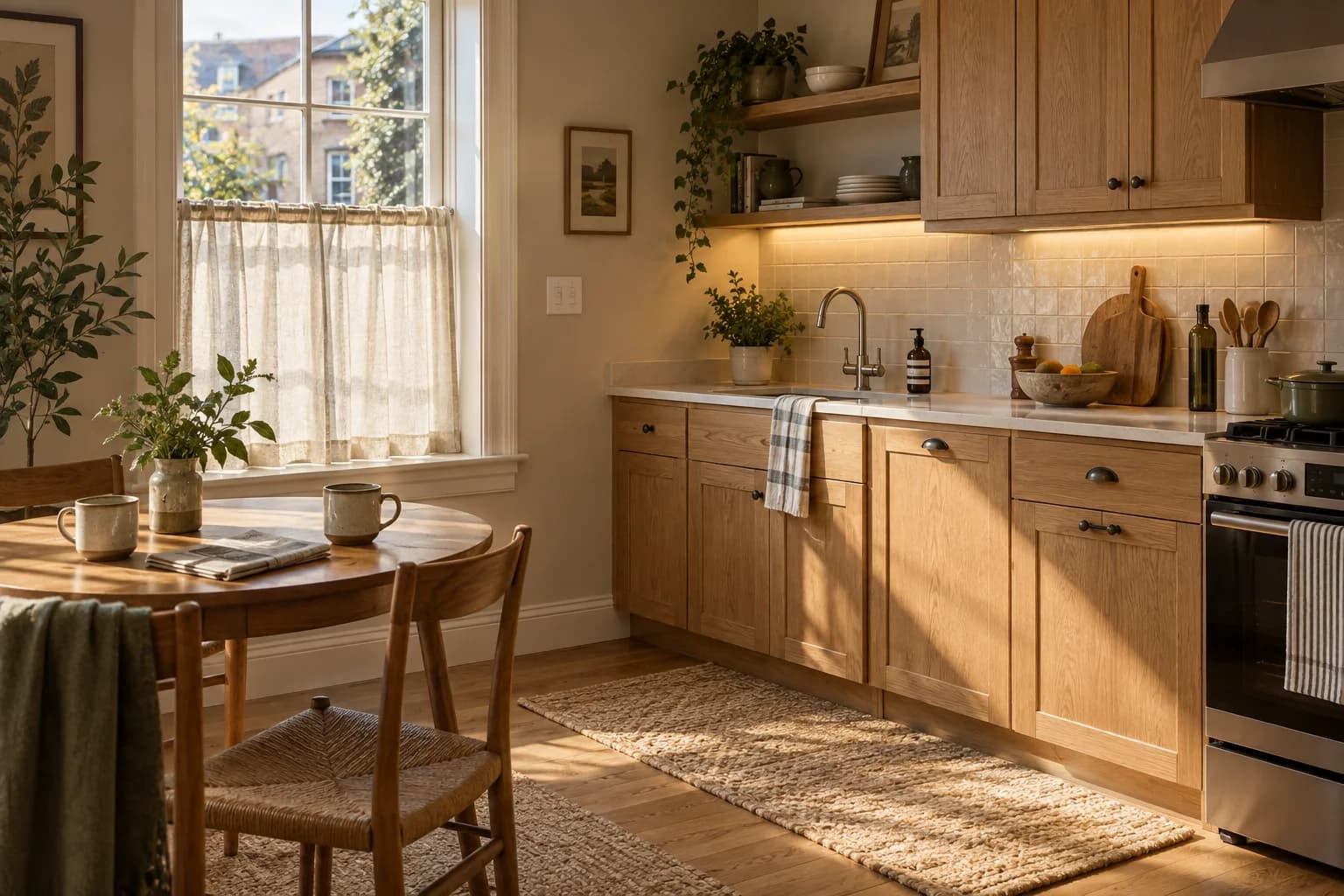
Renting? Then nothing gets wired at all
If the wiring isn’t yours to touch, skip it entirely. Smart bulbs go in your existing fixtures, plug-in dimmers run your lamps, and battery-powered remotes stick to the wall right where a switch would be — no screwdriver near anything the landlord owns. You still get scenes, schedules, and dimming; your security deposit still gets returned. At move-out the entire setup unscrews, unplugs, and packs into one box, ready for the next apartment. It’s the rare home upgrade a lease can’t object to.
A typical renter setup I install: bulbs in the overhead fixtures and bedside lamps, a plug-in dimmer behind the living room floor lamp, one motion sensor covering the entry hall, and a two-button remote by the bed that means never getting up to kill the lights again. Installed and configured inside the 2-hour minimum for most one-bedrooms, and it behaves exactly like hardwired lighting — schedules, scenes, voice control, all of it. Lighting is usually just the start, too — the full renter & condo setup guide shows what can join it next without touching a wall.
Scenes
The point isn’t the switch — it’s the scene
Swapping hardware is the easy half. The value shows up when your lights start behaving like they know the plan: a movie-night scene that dims the living room to 20% with one tap, a wake-up scene that fades the bedroom in gently before the alarm, an away scene that plays your normal evening pattern while you’re on vacation so the place never looks empty. Motion sensors handle the unglamorous wins — hallway lights at 2 a.m. at just enough brightness not to wake you fully, a basement that lights up when you walk in carrying laundry, closets that simply never get left on.
Every scene runs locally through Home Assistant, using local-control equipment where compatible. The whole-house lighting example outlines a room-by-room design to adapt to your home — and the home automation overview shows what lighting can coordinate with next.
Honest scope
Where my work stops
I swap devices at existing boxes: smart switches and dimmers go in where switches already live, on the wiring already there. I am not an electrician, and I don’t play one in your walls — new circuits, new switch boxes, fixture installations, or anything that means running fresh cable goes to a licensed electrician, and I’m happy to refer you to one I trust. Most lighting projects in this city never need that. When yours does, you’ll hear it from me at the assessment, not as a surprise mid-install.
Pricing
What smart lighting costs, in writing
Automation Setup at $500 per room is the anchor here — switches, dimmers, scenes, and schedules configured across the house to your liking, with you supplying the electrician for the hardware swap. Want help finding the electrician too? Full Service is $600 per room plus labor, billed separately. Trying one room first, or just want the hallway to stop being pitch black? Small jobs bill at $95/hr with a 2-hour minimum, and everything starts with the same free in-home assessment either way.
Assessment & Custom Plan
$349
We assess your home, produce a floor plan, and design a custom smart-home plan tailored to your liking and budget. You build it yourself with our step-by-step guides.
- Detailed floor plan of your space
- Custom plan tailored to your liking and budget
- Curated device list with buy links
- Step-by-step DIY build guides
Automation Setup
$500/room
Everything in Assessment & Custom Plan, plus we set up every automation, scene, and alert to your liking. Hardware install labor not included — you hire your own electrician.
- Everything in Assessment & Custom Plan
- Every automation, scene & alert configured to your liking
- Full Home Assistant configuration
- Hardware install labor excluded — you supply the electrician
Full Service
$600/room
+ electrician labor, billed separately
Everything in the first two tiers, plus we help you find a local licensed electrician for the install. Electrician labor billed separately.
- Everything in Automation Setup
- We help you find a local licensed electrician
- Electrician labor billed separately
- Typical 3-bedroom home: $10K–$15K all-in (estimate)
$95/hr2-hour minimum
For out-of-scope work, troubleshooting, and additions outside a plan. Billed in 30-minute increments after the minimum.
$29/moor$299/yr
Priority remote support, monthly health checks, and minor automation tweaks. Cancel any time.
All prices are estimates and subject to change. Your in-home assessment confirms the exact number before any work starts.
FAQ
Smart lighting questions, answered
How much does smart lighting installation cost?
Whole-home lighting runs $500 per room with Automation Setup — switches, dimmers, scenes, and schedules configured to your liking, with you supplying the electrician — or $600 per room plus labor for Full Service. Smaller jobs, like one room or a handful of switches, bill at $95/hr with a 2-hour minimum. Prices are published because a quote shouldn’t depend on your zip code.
Can I get smart lighting in a rental without rewiring?
Yes — that’s the smart-bulb-and-plug route. Bulbs go into your existing fixtures, plug-in dimmers handle lamps, and nothing touches the wiring. Full scene and schedule control, zero marks on the apartment, and the whole kit moves with you at the end of the lease.
My brownstone has no neutral wire — is smart lighting still possible?
Absolutely, and this is half my lighting work. Lutron Caséta and several Zigbee and Z-Wave dimmers are designed to run without a neutral, using the wiring already behind your switch plate. No new cable gets fished through plaster; the right device just goes in the box you have.
Do I need an electrician or a permit in NJ?
My scope is device swaps at existing boxes — replacing a switch with a smart switch on the wiring that’s already there. Anything beyond that, like new circuits, new boxes, or fixture wiring, belongs with a licensed electrician, and I’ll refer you to one rather than stretch my lane.
How long does it take — one room versus the whole home?
A single room is usually done in a couple of hours, including scenes and app setup. A whole home typically takes a day: swap the switches, build the automations, then walk through everything until dimming a room feels as natural as flipping the old switch did.
Will my lights work if the internet goes down?
Yes. Everything runs on Home Assistant inside your home, so switches, scenes, schedules, and motion automations keep working during an outage. You’d only lose control from outside the house until service returns — the lights themselves never notice.
Is there a monthly fee for smart lighting?
No. There’s nothing to subscribe to — the system is yours, running on your own network. If you ever want priority remote support, an optional retainer exists at $29/mo or $299/yr, but your lights work exactly the same without it.
Does it work with Alexa, Google Home, and Apple Home?
Yes. Home Assistant bridges to all three, so “turn off the living room” works from whichever assistant your household already talks to. The difference is that the logic lives locally with you, not in a voice company’s cloud.
Ready for lights that just know?
Book a free 30-minute in-home assessment. I’ll open a switch plate, check what your wiring can support, and leave you a lighting plan matched to your building — brownstone, rental, or anything between. Rather talk it through? Call any time.
Book your free in-home assessment
Tell me what you're after and I'll come look. You leave with a plan either way.